Fabrication software for steel and sheet metal job shops: quoting and estimating, job cards for the shop floor, purchasing, delivery and invoicing in one system.


From a single guard to a steelwork package, each job carries its own routing, costs and drawing. The routings below are typical; yours are set up the way your shop runs.
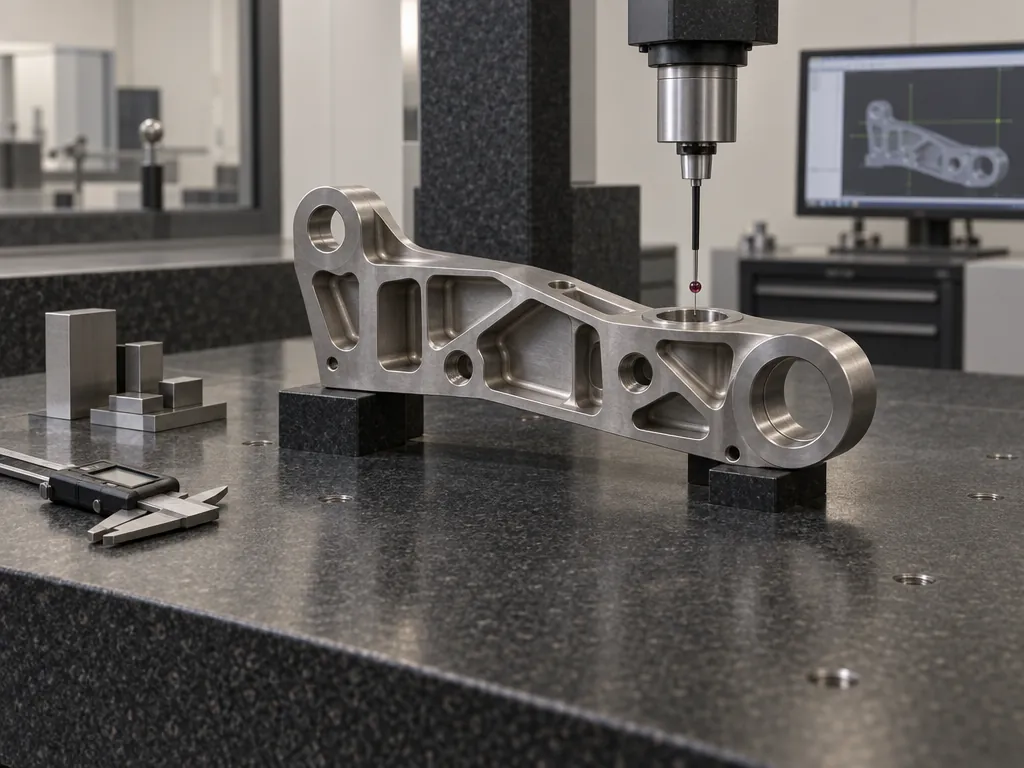
Panels, enclosures and guards built to drawing, with every operation costed at the rate of the resource doing it.
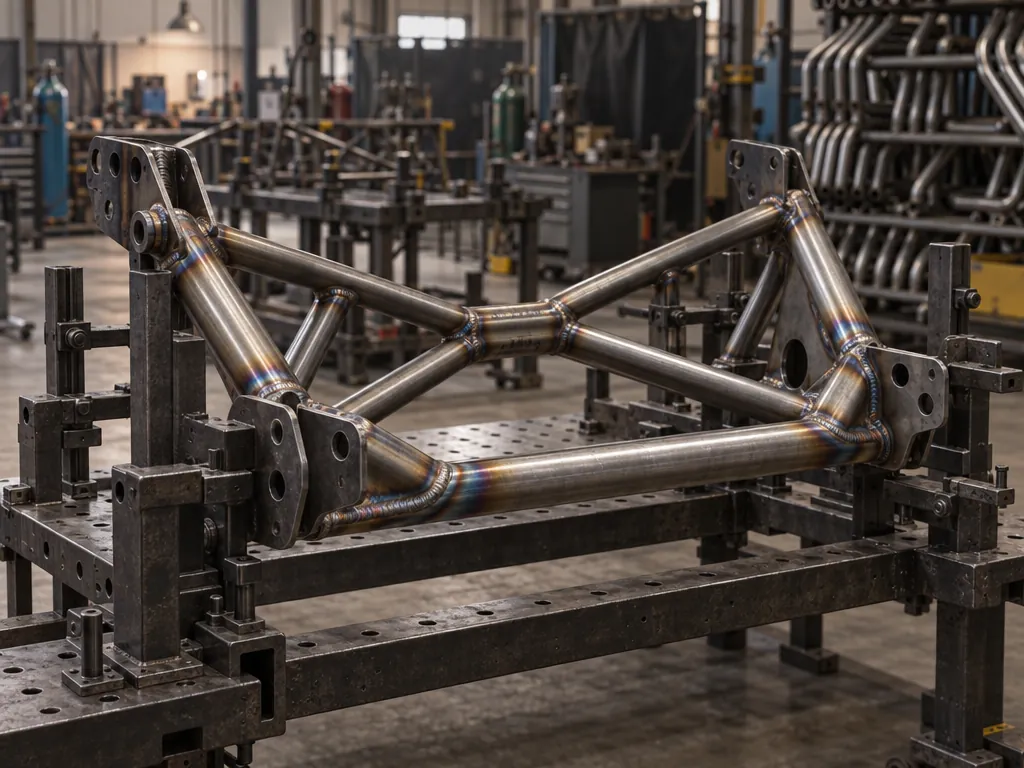
Frames, platforms and steelwork packages: quote the project on a budget figure, add the detail lines as drawings firm up, then deliver and invoice in stages.
Profiling for other fabricators. A repeat part is re-quoted by finding its last costing by UPR and updating the prices.
Plate profiles cut to order, with the plate bought for the job on a purchase order linked to the works order it's for.
Welded assemblies with sub-assemblies made first. A Make line raises its own sub-works order, numbered under the parent job.
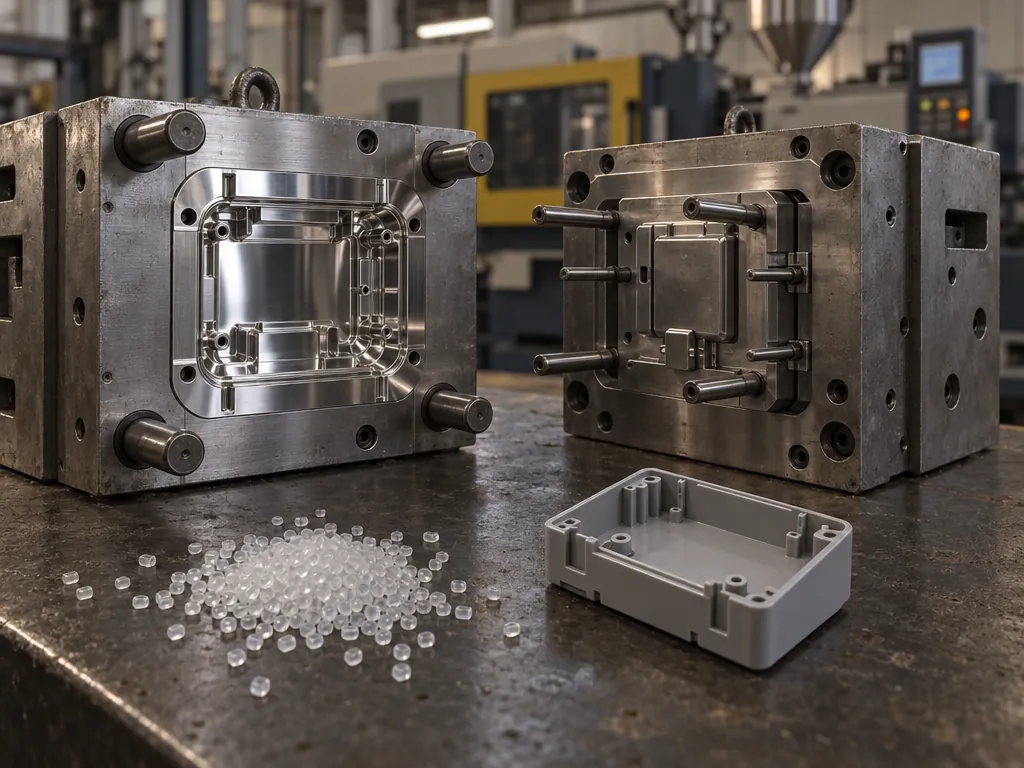
Repeat call-offs against a customer's order: tool setting costed once per run as a setup time, press time costed per part.
Cut-to-size work where material is most of the price, bought by the pack or the length and costed per piece.
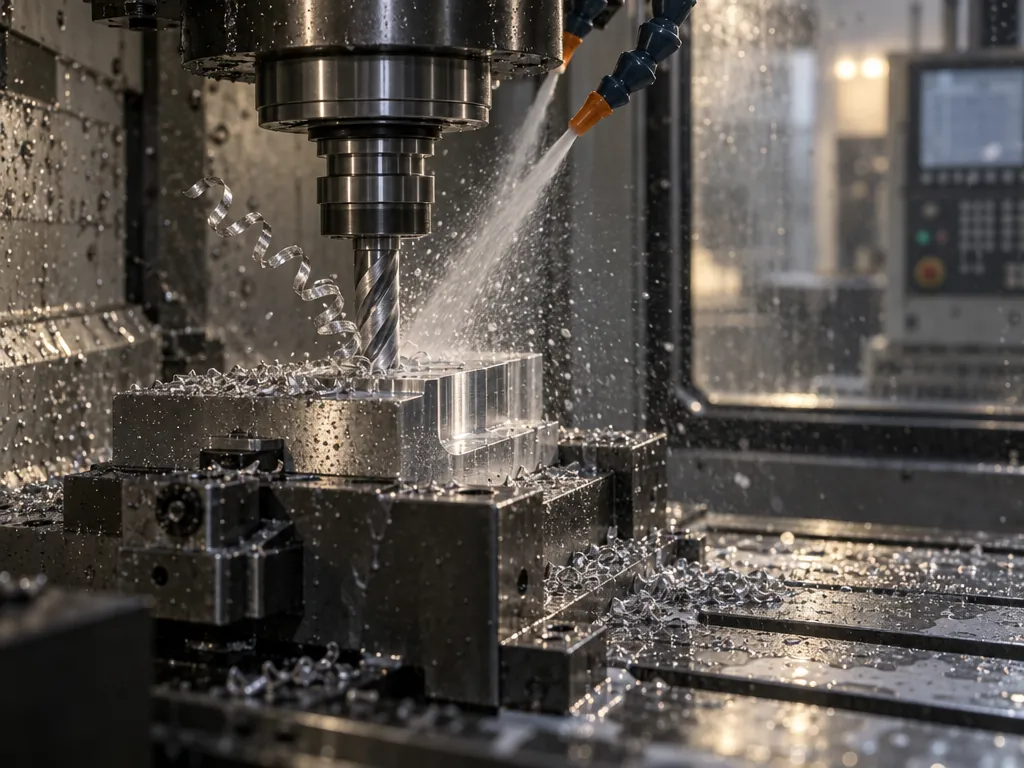
Folding and rolling to drawing. The drawing travels with the job and opens on the shop floor tablet at the press brake.
From a single guard to a steelwork package, each job carries its own routing, costs and drawing. The routings below are typical; yours are set up the way your shop runs.
Each operation goes on the costing against the resource that does it, with a setup time and a time per part at that resource's hourly cost. Steel and galvanising go on as bought-in costs from the supplier.
Every sales order carries Estimated, Planned and Actual figures. Time booked on the shop floor, purchase orders received and stock issued post back to the order as the job runs, so the actual margin is there before anything goes on the van.
A subcontract step is a bought-in cost on the quote. When the customer's order is acknowledged, it becomes a purchase order, prefilled and linked to the works order and sales order, ready to check and send.
Operators open the works order on the shop floor tablet, clock on to the operation they're doing and open the drawing from View Attachments. The time and quantities they book update the job's actual figures as they go.
“A lot of customers now are wanting documentation packs, so all material test certificates, any entity, or any paperwork can be attached to the relevant sales order.”
"A comprehensive MRP system that enabled us to move away from relying on multiple Excel spreadsheet."
"Value for money is superb, sees the job all they way through from quoting to invoicing all linked together."
"Implementing Statii in our business has been very straight forward & the support from the Statii team has been great every step of the journey"
More customers want a documentation pack with the job. Statii keeps what went into it — certificates, batches, rework — attached to the records it belongs to.
Attach the mill certificate to the batch it came with. A works order can't go ahead until its batch is allocated, and any batch traces to the job and customer it went to.
Print Document Pack sits on the works order's Action menu, beside printing the job card with its attachments.
Print or email a Certificate of Conformity from the delivery note, carrying its CofC notes.
Raise an NCR, record the corrective action, and the cost lands on the original sales order.
Customers are audited for ISO 9001 with Statii running. Statii keeps the records; your quality system does the certifying.
A fabrication job runs through all six steps. Each one takes what it needs from the last, so nothing is typed twice.
Every stage inherits from the last. Nothing is re-keyed between them.
Yes. Every sales order shows Estimated, Planned and Actual figures for bought-in costs, works orders, stock, budget and NCRs, with profit, margin and profit per hour. Time booked on the shop floor, purchase orders received and stock issued post back to the order as the job runs.
Yes. Bought-in costs on the quote become purchase orders when the customer's order is acknowledged, prefilled with quantity, price and supplier and linked to the works order. Stock a job is short of is flagged on the works order, and a person raises the order in a click from the item — nothing orders itself.
No — Statii doesn't nest parts, take quantities off a drawing or import from CAD. You cost the job from the drawing: material, each operation at its resource rate, bought-in and subcontract work. The drawing is attached to the quote and travels with the job to the shop floor.
Yes. Search for a previous job by its UPR or description, pull its costing onto the new quote and update the prices. Drawings attach to the quote, sales order and works order, and operators open them on the shop floor tablet.
The shop floor login is built for a short list of jobs on a tablet, phone or desktop: clock in, clock on to an operation, take stock, complete a quantity, receive goods and get a delivery note signed. Training is unlimited and included for every user. Shop floor users are £8.50 a month each +VAT.
Yes. Attach the certificate to the batch the material came in. A works order can't go ahead until a batch is allocated to it, and any batch can be traced to the job and customer it went to.
Three minutes, no sales call. Or ring us on 0115 647 2022 and ask anything.
No card required · UK-based support included